
一次请求, 让网页成为 Agent 的上下文
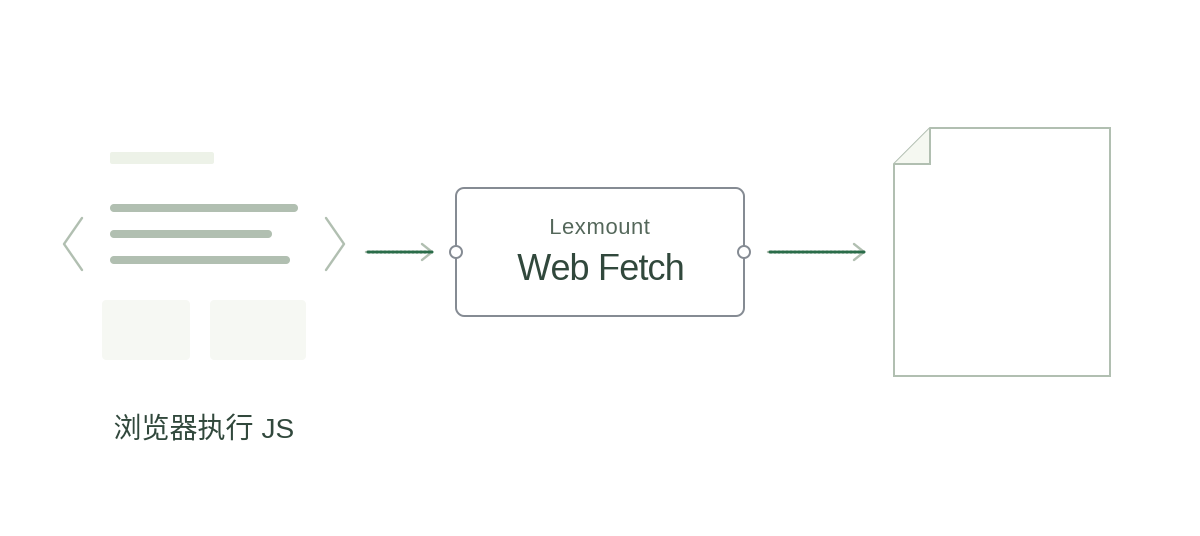
Lexmount Web Fetch 为 Agent 和应用提供云端网页提取服务。从静态页面到 JavaScript 动态网页,正文、链接、页面 HTML...一次请求即可获取。

深入动态网页,
获取更多内容
网页内容不止存在于静态 HTML 中。
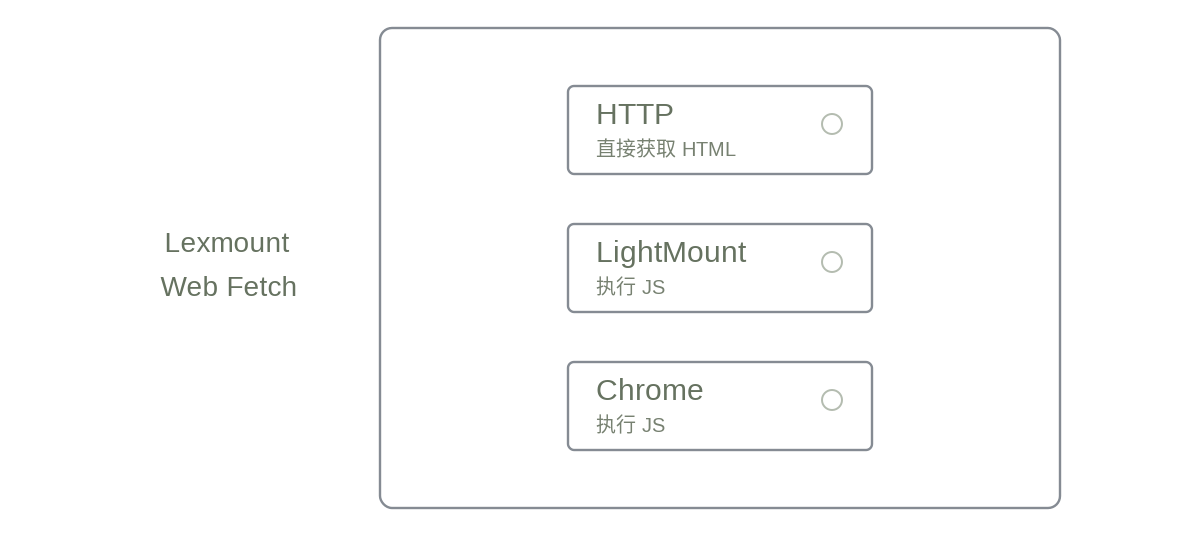
Lexmount Web Fetch 支持 JavaScript 渲染,获取脚本运行后生成的信息,让 Agent 的阅读范围延伸到更多内容。同时,多种网页获取引擎按需选择,适应不同网站的加载方式。
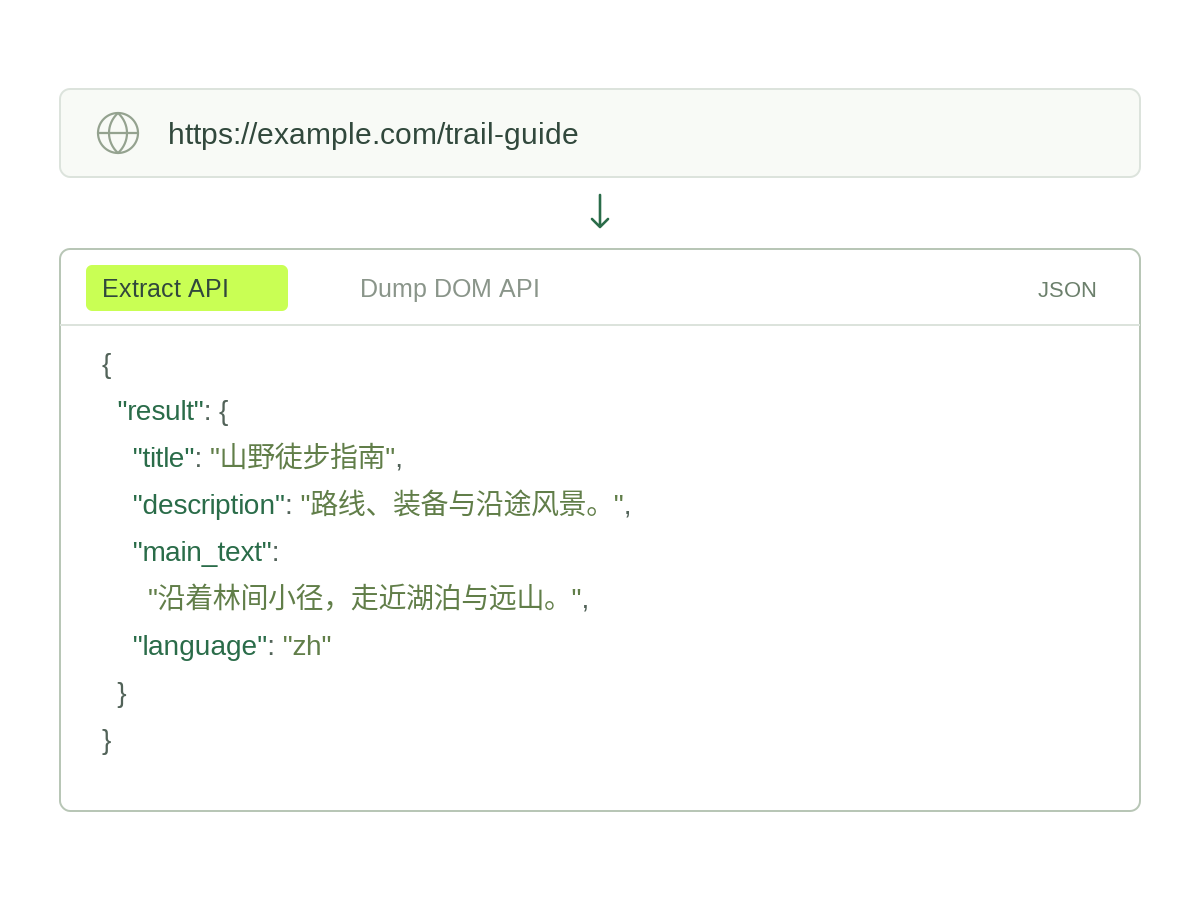
结构化内容与页面 HTML,
按需输出
Lexmount Web Fetch 提供 Extract API 和 Dump DOM API。只需提供网址、选择接口,即可获取结构化内容或页面 HTML,供 Agent 和应用阅读、分析与处理。
// Node.js 18+ · 从环境变量读取凭据
const response = await fetch(
  'https://api.lexmount.cn/v1/extract',
  {
    method: 'POST',
    headers: {
      'Content-Type': 'application/json',
      'X-API-Key': process.env.LEXMOUNT_API_KEY!,
      'X-Project-Id': process.env.LEXMOUNT_PROJECT_ID!,
    },
    body: JSON.stringify({
      extract: { url: 'https://example.com' },
    }),
  },
);

if (!response.ok) {
  throw new Error(`Web Fetch HTTP ${response.status}`);
}

const { result, error } = await response.json();
if (error || !result) {
  throw new Error(JSON.stringify(error ?? 'Missing result'));
}
console.log(result.main_text);
# Python 3 · 仅使用标准库
import json
import os
from urllib.request import Request, urlopen
request = Request(
"https://api.lexmount.cn/v1/extract",
data=json.dumps({
"extract": {"url": "https://example.com"}
}).encode("utf-8"),
headers={
"Content-Type": "application/json",
"X-API-Key": os.environ["LEXMOUNT_API_KEY"],
"X-Project-Id": os.environ["LEXMOUNT_PROJECT_ID"],
},
method="POST",
)
with urlopen(request, timeout=60) as response:
payload = json.load(response)
if payload.get("error") or not payload.get("result"):
raise RuntimeError(payload.get("error") or "Missing result")
print(payload["result"].get("main_text", ""))